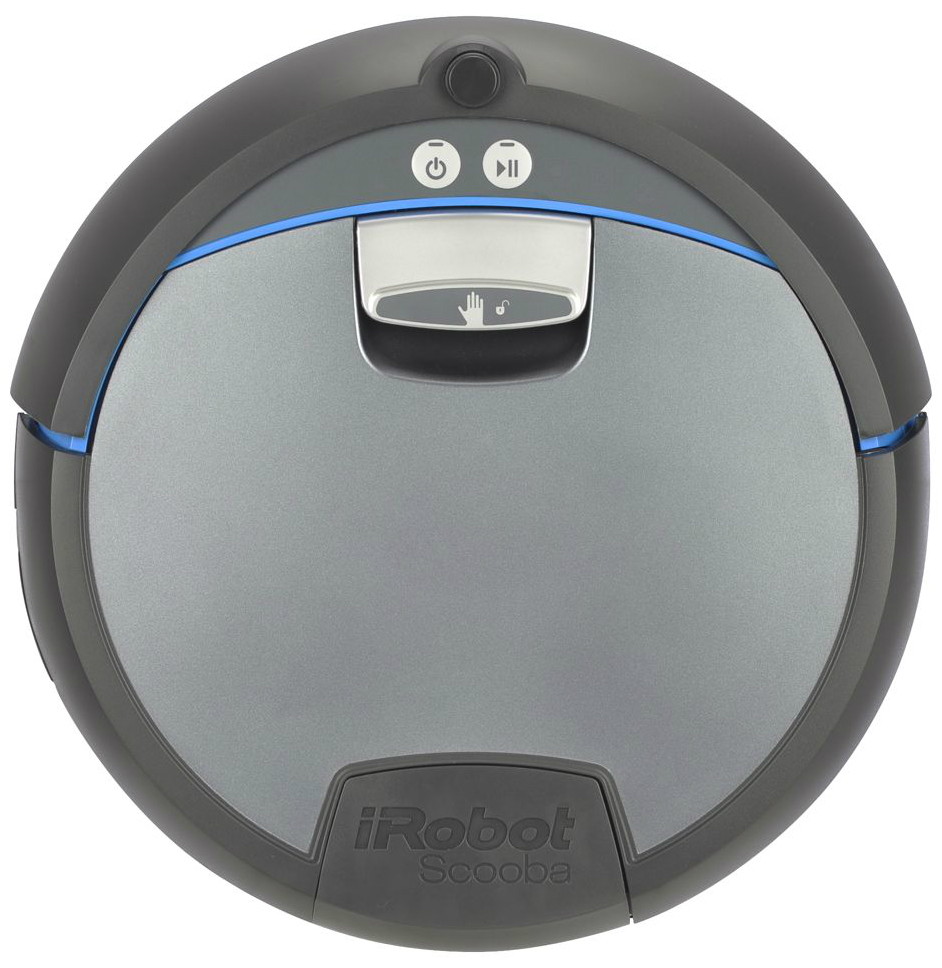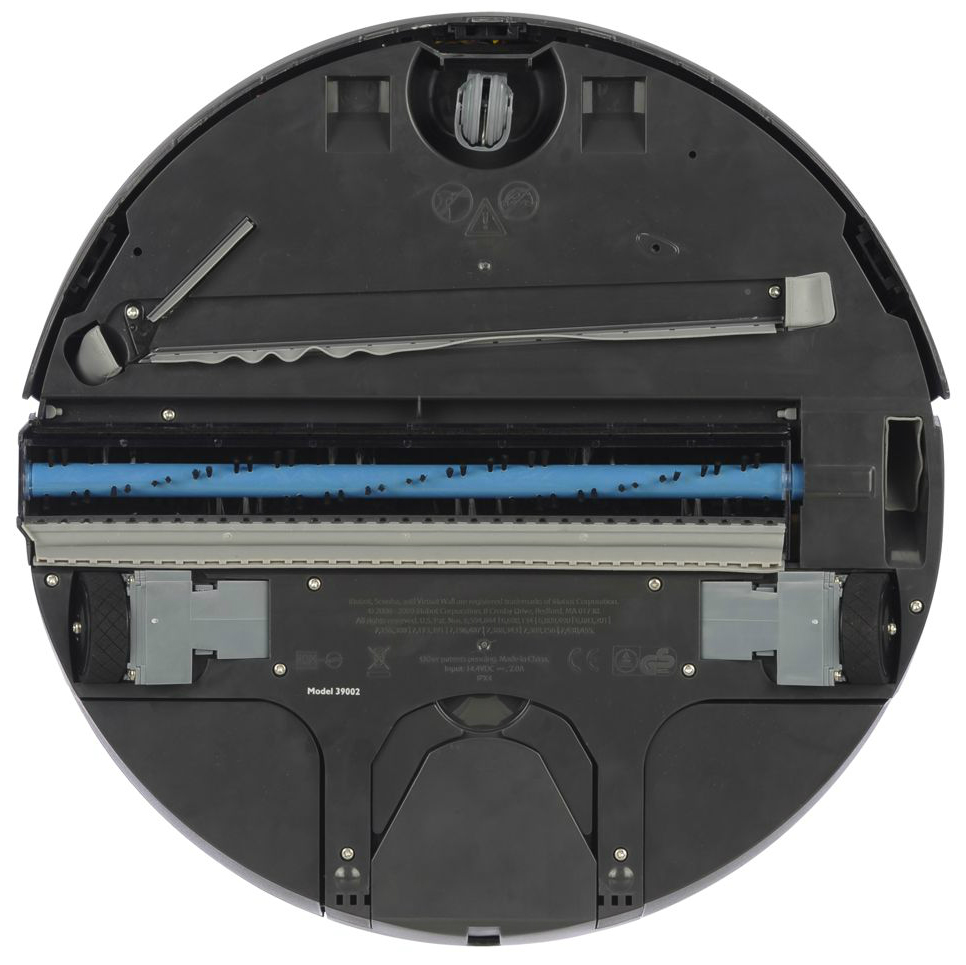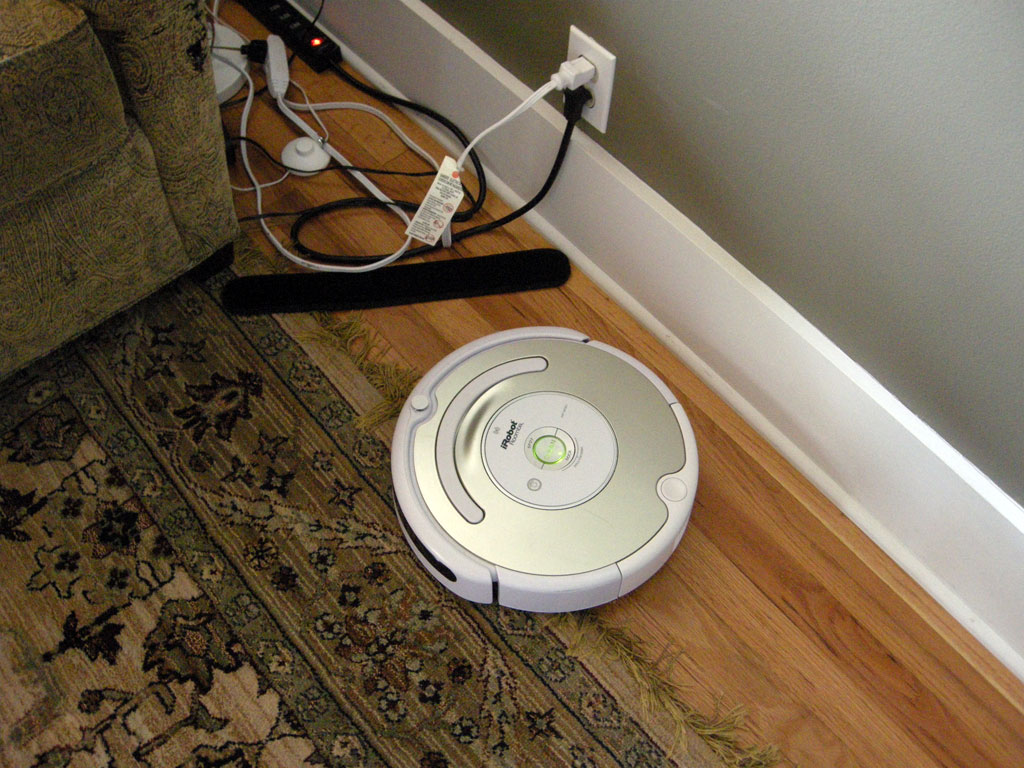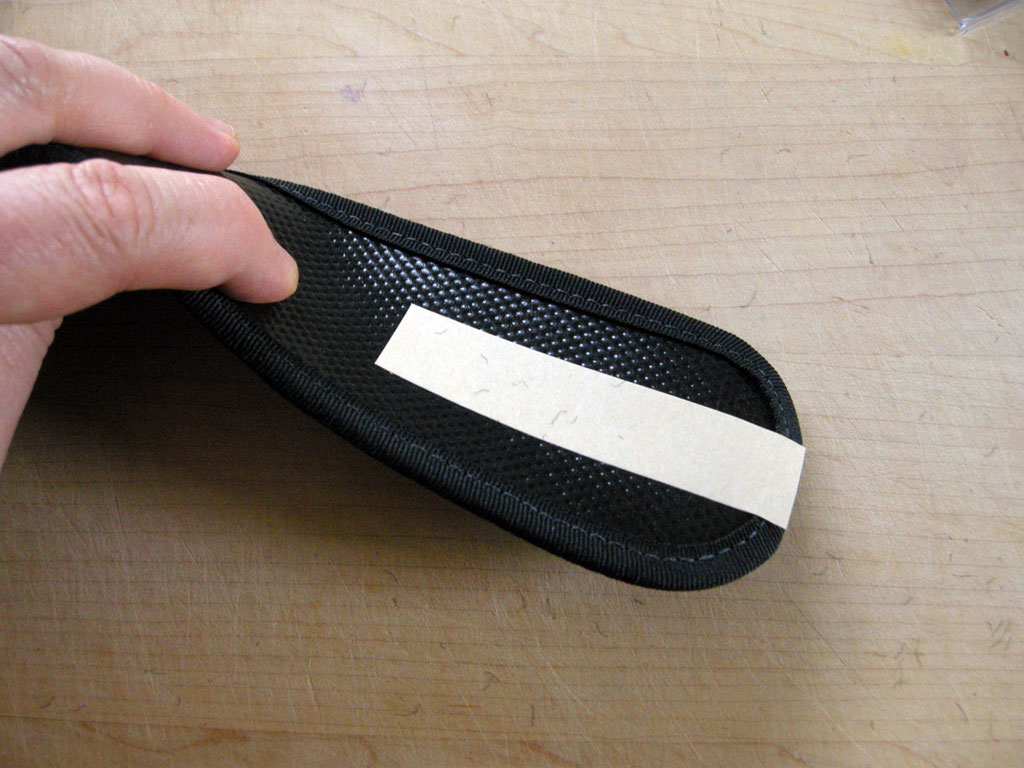
Today we’re taking a close look at the Robot AddOns Keepout Strip, an accessory for both the iRobot Roomba and Scooba lines. In a nutshell, the Keepout Strip is a length of black carpet with some double-sticky tape on the back. You stick it on the floor, and since it is black, your robot will refuse to cross the strip. In a perfect world, this would be handy to block off places that you don’t want your brand new Roomba 780 to go.
For example, a good place to use one of these might be under your desk where all the cords and cables hide next to your computer. Another spot might be behind or next to your television. Also, if you’ve got a tricky spot in your house that your robot tends to get stuck in, that might be a place where you would install one of these.
We reviewed (and really liked) the Robot AddOns Soft Bumper a while ago. The bumpers help protect the robots as well as your furniture and walls. Based on the success of this other product, we figured that the Keepout Strips would be as good. And indeed, we found that they did the job – for a while.
They work by fooling the cliff sensors in the Roomba into thinking that there is a step or drop-off where the strip is. Roombas are rather famous for refusing to vacuum black or very dark carpet. The Keep Out Strips themselves look OK (although I’m totally sure that a certain percentage of the population will hate how they look). They are really as neat, clean, and inoffensive as someone can make a two inch wide, 18 inch long strip of black carpet material. Personally, I would prefer them with square corners instead of round, but something tells me that would make for bad Feng Shui.
In the package, you get four strips and also some spare pieces of double-sided tape so that you can reuse the strips. It bears mentioning that these aren’t a practical solution for blocking doorways. Mostly because you’re not going to want the things sitting around in plain sight. But also because the strips have to be firmly stuck to the floor to be of any use.
Indeed, it’s the double-sticky tape itself (and the necessity of using the tape) that becomes the problem with this product. Unfortunately, the bottom of the Keepout Strips is relatively slick plastic, and so the double-sticky tape has a bad habit of coming off of the strip. A person would think that this wouldn’t be a problem unless you were bumping into the strip regularly. But wait! – your robot is going to be doing just that – every time you use it.
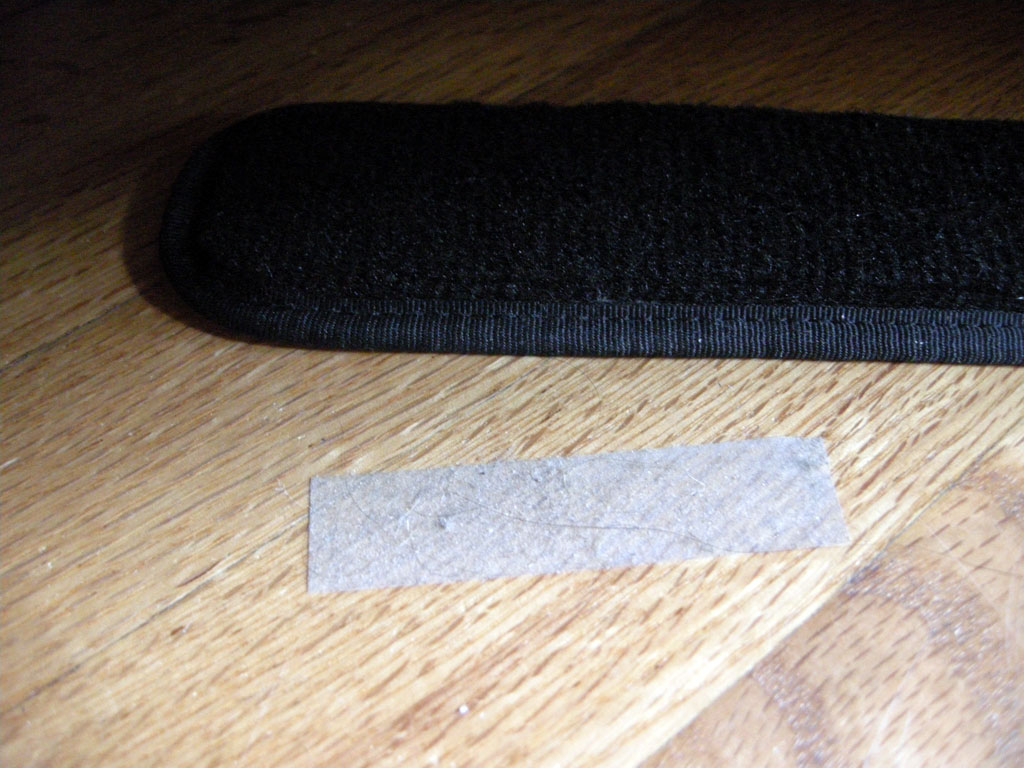
In our testing, the strips were basically useless unless they were sticking to the floor, because the Roomba (and/or the Roomba’s spinning side brush) will just knock it out of the way. The tape actually kind of stops adhering to the Keepout Strips after a couple of days, even if nothing is knocking into it. Then you’re left with gunky double-sided tape left on your nice floor, where it gathers dirt, dust, and hair until you pull it off.
I thought about the possibility of using stronger tape, but the idea of putting stronger tape on the finish of my nice hardwood floors isn’t attractive. So there you have it. At first glance, these items look like a great idea. Especially in the case of spots under a desk or bed, the Keepout Strip seemed like a great way to keep your iRobot Roomba or Scooba from getting tangled up in cords (or worse yet, inhaling them and pulling them around). But in actuality, these accessories end up being a pain. In the very strange case that I haven’t talked you out of trying this product, they can be purchased from Amazon, here..
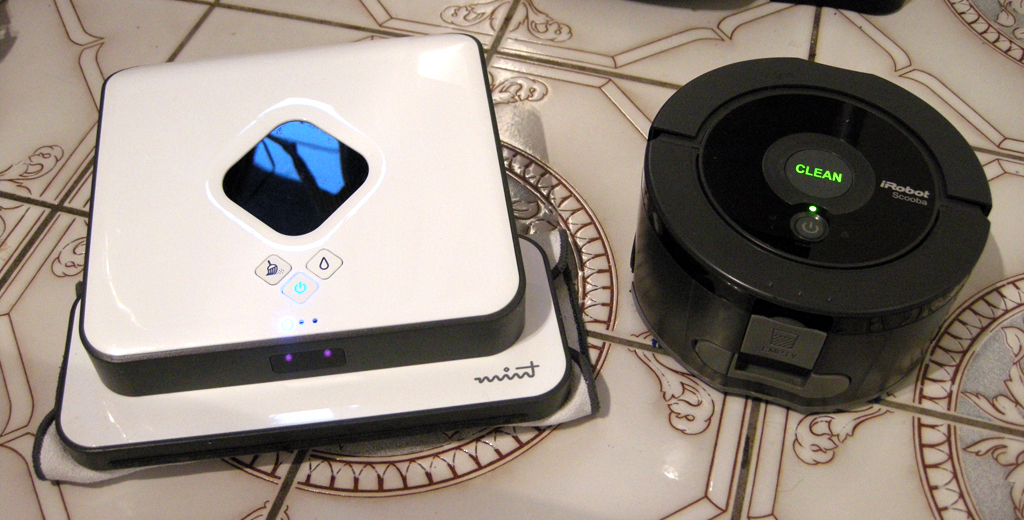
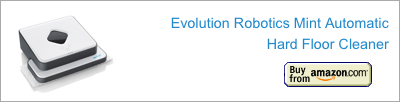
Trying to decide between buying the new Scooba 230 and the Evolution Mint? We can help. I was going to write a long article comparing the Mint Robot Cleaner with the iRobot Scooba 230, but the results with the Scooba 230 were kind of unfavorable – see our review. So instead of a Mint vs Scooba post like I did with the Roomba, I decided to make a list of reasons why a person would want to get an Evolution Mint instead. Here they are:
1) The Mint is less work, part 1. The Mint also sweeps as it mops, so it picks up hairs and dirt as it goes. Before running the Scooba 230, you have to sweep first, and even then it will find and deposit hairs around the floor. For me, I would find myself using the Mint to sweep up before running the Scooba, which made me wonder why I even bothered with the second robot.
2) The Mint cleans our bathroom in under seven minutes. The Scooba takes 45 minutes.
3) The Mint can clean more space on one charge. After finishing the bathroom, the Mint is ready to take on three more rooms (about 600 square feet). The Scooba needs to be charged.
4) The Mint cleans silently. In addition to the vacuum noise, the Scooba emits an annoying squeaking noise.
5) Mint works smart, not hard. The Mint maps a room as it goes, and gets every bit of the floor. iRobot fans will doubtlessly debate the relevancy of this topic, but you really need to see how the Mint cleans. It methodically goes back and forth over the whole floor, and then does the perimeters.
6) The Mint comes with everything you need to get started in the box. With the iRobot Scooba, you have to buy a bottle of the cleaning solution and some batteries. Sure the Scooba comes with four soap packets, but that’s only good for four cleanings.
7) Clean floors. According to our informal testing, the Evolution Mint does a better job of cleaning.
8) Clean floors, part 2: The Scooba 230 left a lot of water on the floor, and after the floor dried, a lot of streaks.
9) The Scooba is more work, part 2: When the Mint is done, you grab it by its handle, take off the cleaning pad, put the cleaning pad in the wash, and put the robot away. When the Scooba finishes, you have to open all the ports, rinse it out thoroughly (which means filling it up, closing the holes, shaking it, and then pouring it out several times – which you have to do with both sides), pull the bottom off and rinse the hairs and debris off of it, put the bottom back on, and then you can put it away.
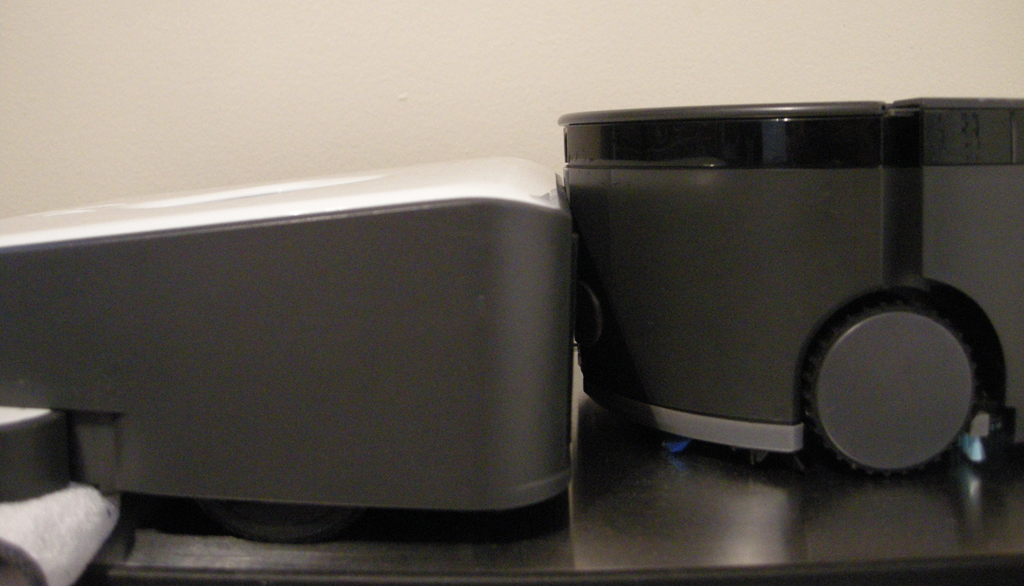
10) The Mint is shorter. It’s only by about 1/2 inch, but even that difference makes the Mint fit under more furniture.
11) Dual membership has its benefits. In addition to mopping, the Mint is also built to sweep. The Scooba just mops.
12) More for your dollar. The Mint is 1/3 less expensive than the Scooba 230.
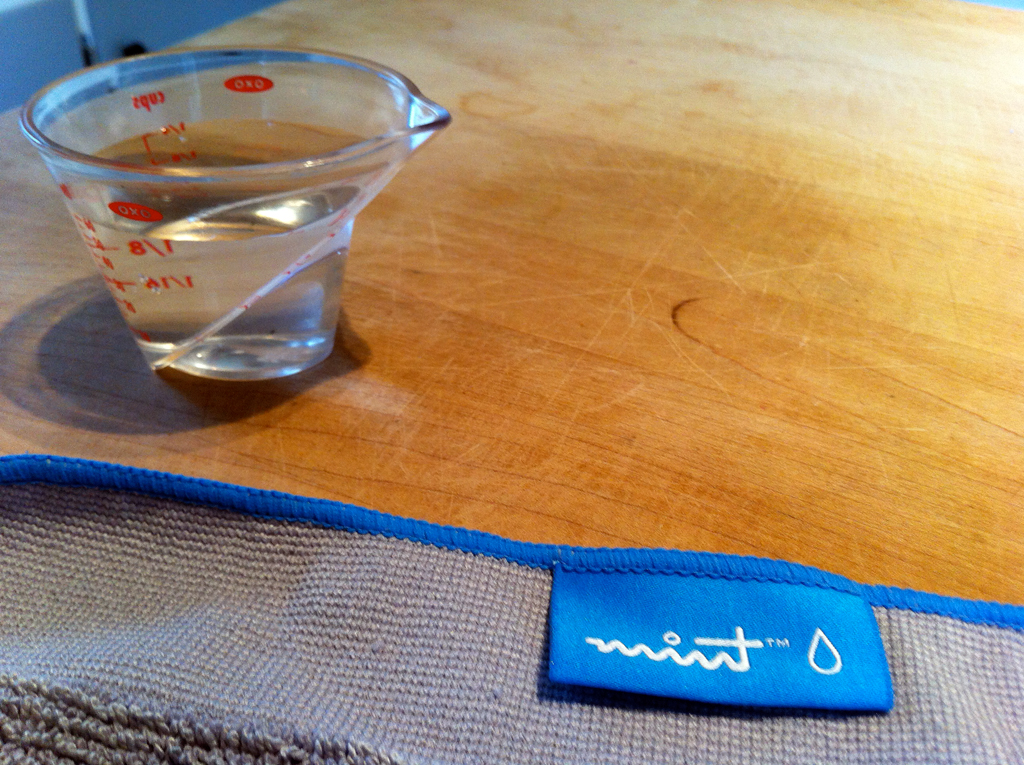
Here’s a quick tip on using the Mint as a mop: Before running the robot, pour or flick a little warm water on any dirty or sticky spots on your floor.
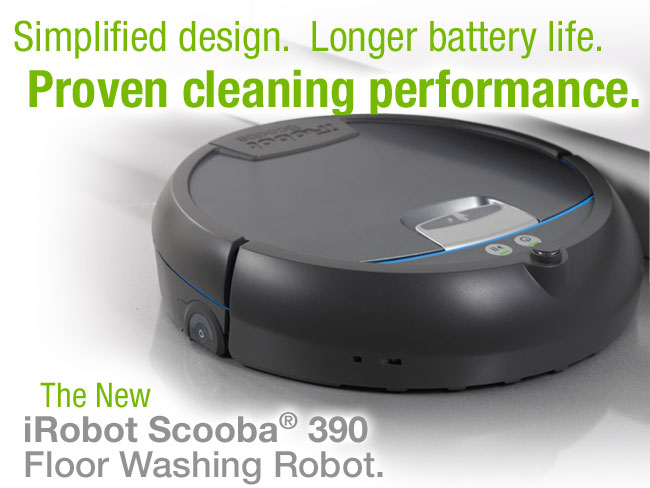
The iRobot Scooba is a mopping robot. I’ve been curious about the iRobot Scooba line since it was first introduced. But they tended to get bad reviews on Amazon. Of course, if you go to that Amazon link, the top three reviews are happy ones, but if you look at some of the ones on the side, there are reviews that’ll make a person want to avoid the Scoobas, and they worked on me. So this year iRobot introduced the Scooba 230, which is a smaller version of the old ones. The smaller size was a definite attraction for me, considering that the robot can fit behind your typical toilet.
As of this writing, you can’t buy the robot from anywhere other than iRobot. Here’s a link to the iRobot official site page with information on the Scooba 230.
So how well does this new robot work? Let’s take a look.
As mentioned above, the Scoobas are robot mops. Like other iRobot cleaners, they have a multi-stage cleaning system. So they lay down water, scrub it, and then use a specially designed squeegee with a vacuum to suck the water back up. iRobot makes some special soaps for the Scooba. For example, there is a “Clorox Scooba Cleaning Solution” and a “Natural Enzyme Formula.” (The 230 can’t use the Clorox solution.)
Here’s what comes in the box:
iRobot Scooba 230 robot
Rechargeable battery for the robot
Charger
2 Virtual Walls
3 Extra bottoms
Printed product manual (16 pages)
Storage base (not a dock)
4 Packets of the Natural Enzyme Formula cleaning solution
Here’s what is missing: 4 D cell batteries for the Virtual Walls. The Virtual Walls take 2 batteries each. I really prefer it when manufacturers include batteries, so I find this disappointing.
Here is the robot itself next to a navel orange. As you can see, the Scooba 230 is pretty small. It is 3.5 inches tall and 6.5 inches wide. The engineers at iRobot have packed a lot of things into this little package. There is a port for filling the robot, a port for emptying, a recessed carrying handle, three cliff sensors, a wall-following sensor on the right side, a charging port, indicator lights and buttons. On top is a power and Clean button. Like the Roombas and older Scoobas, the Scooba 230 has a bumper on the front so that it knows when it runs into things.
The bottom has wheels, brushes, and the squeegee for picking up the water while it works. The wheels are easy to pull off for cleaning. The light grey part of the undercarriage there is removable, so when the brushes and squeegee wear down, you can replace it. As mentioned above, the robot ships with 3 replacement bottom plates. You can also see the cliff sensors there on the bottom of the bumper. They’re recessed.
Here is the door for filling the robot with water. This is kind of in an awkward place. It’s not a good idea to get the robot totally wet, so popping it under a running faucet made me kind of nervous. I ended up filling a measuring cup with warm water, and then filling the robot that way. When filling the robot (or emptying it, for that matter) both the fill port and the empty port need to be open, so you can’t put the robot down on a flat surface and fill it.
One piece of good news is that the cleaning solution isn’t stinky. Sometimes cleaners can smell nasty or smell like obnoxious air freshener. The Natural Enzyme Formula has a rather mild, pleasant cleaner smell.
And here it is in action. (Sorry about the camera shake on the film. I’m working to get some better equipment for making my movies. It’s actually pretty hard to make good product films.) We were pretty excited about the job the Scooba did on the bathroom. It got behind the toilet, which is a pain to clean manually. A person has to get down on their hands and knees to clean back there, so the Scooba 230 gets major points for this trick.
Here is an example of what the dirty water from our Scooba looked like after cleaning one of our rooms. This is what it looked like after every time it cleaned a room. I felt kind of mixed emotions about this result. On one hand, you can tell that there is some dirt in there, and that’s definitely some dirt and grime that is no longer on your floor, which is a good thing. At the same time, it doesn’t really seem like as much as it should.
Sadly, we have a lot more bad news to relate about this robot. Our Scooba had a lot of problems. For one thing, it left a lot of water on our floor. This is tile, so maybe it would do a better job on totally flat surfaces, but it seemed to leave a lot of water. Also, you have to sweep up before you use the Scooba. The Scooba will not pick up larger debris or hairs. Instead it kind of drags hairs around and leaves them stuck to the floor. Also, the Scooba’s size turns out to be a disadvantage when navigating a room. Both our kitchen and bathroom had a place where the Scooba would get stuck – the heating vent.
The Scooba also had a lot of trouble with the Virtual Walls. The Scooba would approach the wall and either bounce off while still several feet away, or it would get kind of close and then get kind of “stuck” where it would turn again and again in a tight spot. I finally stopped using the Virtual Walls, which was kind of irksome, considering how useful they are when you’re using a robot to clean your floor.
More problems: The battery runs out from cleaning one room with the Scooba, and takes a long time to charge. I didn’t test it, but ours takes at least five hours to charge. So really, you clean one room and then have to charge the robot overnight.
Our Scooba left streaks, and although it seemed to do a good job with the bathroom, it didn’t do a great job of cleaning the kitchen floor. Basically it left the entire kitchen floor with a kind of waxy, sticky feeling, and then to make matters worse, the robot stopped working.
After it left the floor feeling sticky, I decided that I should give it another go with just water in the hopes that it would clean up more. So after waiting for the robot to charge up again, I refilled the robot and ran it a second time. Forty minutes later, I returned to find that although the robot had run all over the place, it hadn’t been dispensing water. So it hadn’t cleaned anything. Sadly, the battery was dead. So I charged the battery overnight, and then turned on the Scooba and ran out the door to go to work. Unfortunately, I left in such a rush that I didn’t notice that the Scooba never started moving. So when I can home from work, I found the robot sitting in the exact same place I left it, in the middle of a puddle.
Since the Scooba left us with a sticky, gross floor, I broke down at this point and mopped our kitchen by hand. This is not what a person wants to be doing on a Wednesday night after having spent three hundred clams on a robot mop. It could be my imagination, but while I was mopping the floor myself, it seemed to take quite a bit of mopping to make our floor stop feeling sticky. I had to go over each area several times. I don’t know if that was because of the cleaning solution, or if we had something really sticky that the Scooba just spread around for us.
Over the next couple of days I found that sometimes the wheels would start working again, but the water dispensing part wouldn’t work. Then later, it would all stop working. There doesn’t seem to be a rhyme or reason. The manual doesn’t have anything useful to say about what to do if your Scooba stops working. I tried some different ways of turning it on with the hopes that I could “reset” it. Also, I tried pulling the battery to see if that would make a difference. Neither strategy seemed to help. I have yet to call iRobot’s customer service about it, but will report back here when I do. In the meantime, I have to give the iRobot Scooba 230 a failing grade. I plan to send ours back for a refund.